Timeline
Keep the dates clear. Keep people in the loop.
A focused page of the milestones people need to know.
All four filmsThe familiar problem.
A plan may already contain the right dates, yet sharing them still means finding the relevant moments, arranging a snapshot and explaining what matters. Recipients need the milestones, not every detail of the working project.
A different approach.
Treat the audience view as an artifact with its own presentation and access. The same selected moments can support an overview and a readable vertical layout without exposing the entire project.
The dates they need. A page they can read.
Timeline makes communication part of the product. A clear milestone view gives people a useful way into the plan, while the working project and the audience page keep separate responsibilities.
A useful overview
Show selected milestones and the next date to look out for.
Two readable layouts
Read across for the overview or down for the detail.
Deliberate sharing
Keep link access off or enable a public, read-only milestone page.
Under the surface.
The sharing path begins with selected moments and an artifact whose public link is off. Enabling that link is a deliberate step. The resulting audience page is read-only and remains separate from the working project.
Read the diagram source
flowchart LR
  P[Working project] --> M[Selected moments]
  M --> A[Private milestone artifact: public link off]
  A --> E[Deliberately enable public link]
  E --> R[Read-only audience page]
  %% Public link access does not grant project membership.
  %% Internal source edits do not silently update the audience copy.
Explore the system responsibilities
- Working context
- The project provides relevant dates and moments, while keeping its own access boundary.
- Selected moments
- Stable moment identities form the curated artifact; layout changes preserve their dates and order.
- Link access
- Public access is a deliberate operation on the audience artifact, separate from project membership.
- Audience page
- Recipients read the published milestones. Internal edits do not silently overwrite the audience copy.
Read the film, without motion
The working plan can be detailed. The page you share can be clear. Follow seven wedding milestones from an overview into a focused recipient view, with deliberate control over the public link.
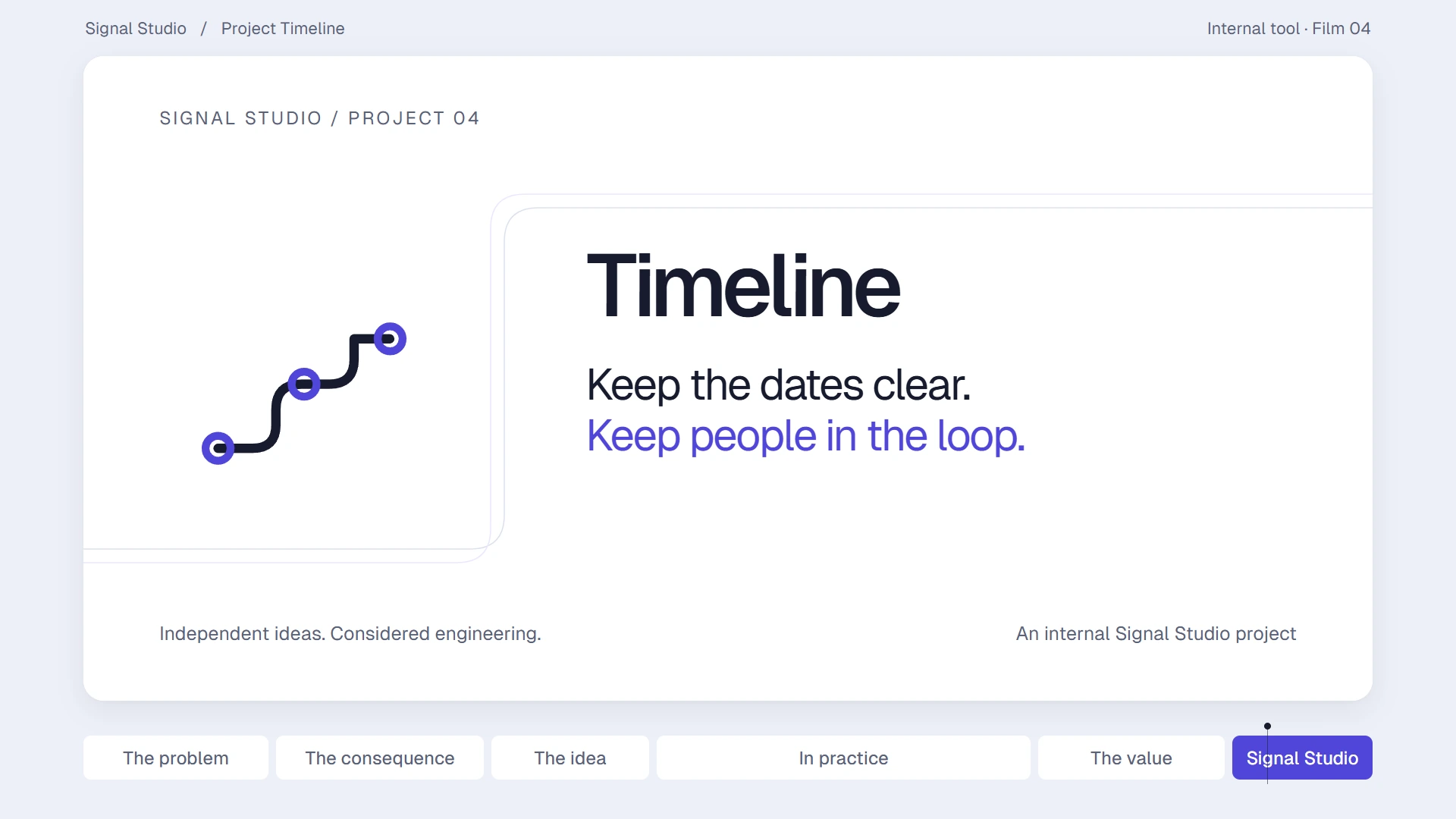
The key dates
They just need the key dates. Give them a clear view of what comes next.
The moments people need
A launch, a wedding, or another project. People need to know the milestones.
An update becomes more work
Finding the dates, making a snapshot and explaining it again turns a simple update into more work.
The milestones, ready to share
Timeline makes the selected milestones into a shareable artifact.
Seven moments, one countdown
Seven moments, a clear countdown, and the next date to look out for.
Across or down, light or dark
The same timeline unfolds across the page or down it, with light and dark views.
Choose link access
Choose public access, publish the selected milestones, then copy the link. The working project stays separate.
The recipient view
The recipient opens a focused, read-only view of the published milestones.
Illustrative activity
An activity preview shows views of this timeline. The demonstration uses illustrative activity.
Clear milestones and next steps
Clear milestones, sharing and next steps. Seven milestones, one shared view.
Keep people in the loop
Timeline. Keep the dates clear. Keep people in the loop. An internal Signal Studio project.
The thinking behind it.
Personal project · Product direction, interaction design, engineering and motion design.
A useful project update starts by choosing what the audience needs to see.
Why this approach
A small, readable artifact reduces the amount of context a recipient has to navigate. Keeping publication and project access separate also makes the sharing decision easier to explain.
How it works
Choose the moments to show, read them across or down, and keep link access off until you choose to enable a public view.
Timeline presents selected moments as one milestone artifact, with a countdown, a next moment and Across or Down layouts. Link access is a separate choice: keep it off or deliberately enable a public, read-only view. The audience publication and the internal working dates remain distinct; editing an internal source does not silently update the audience copy.
Why it matters
People can see the important dates without navigating your whole working project.
Scope, boundaries and trade-offs
The boundary
A public link lets anyone with that link view the published milestones; it does not grant membership or editing access to the working project. Private means public link access is off. The film illustrates this behavior locally and does not create a live link or change anyone’s permissions.
The trade-off
A selected milestone page is easier to read because it leaves out detail. That selection needs care, and the audience copy needs deliberate review when its content changes. View activity can describe recorded access; it cannot establish that someone understood or approved the plan.
A public link is forwarded
Anyone with the active link can view the published artifact. Make that scope clear before sharing and keep private working material outside the publication.
An internal date changes
Review the intended audience content explicitly. Do not treat a source edit as permission to publish a revised date.
A view count is mistaken for agreement
Describe it as activity. An opened page is not evidence of understanding, acknowledgment or approval.
What this demonstrates. Internal-tool demonstration · fictional Mara & Finn milestone fixture, set on 16 July 2026 · seven moments and a 79-day countdown to 3 October · illustrative activity · no live publication or permission change performed by the film.